Halo AR by LightUp
Welcome to the groundbreaking project of Halo AR by LightUp - an immersive AR application designed to transform educational experiences. Our mission was to blend the realms of virtual science labs and 3D simulations with the functionality of modern social media, making learning more interactive and accessible across various devices.
Type
AR · Education · UX · UI
client
LightUp
role
UX Designer
year
2021
Halo AR by Lightup
Overview
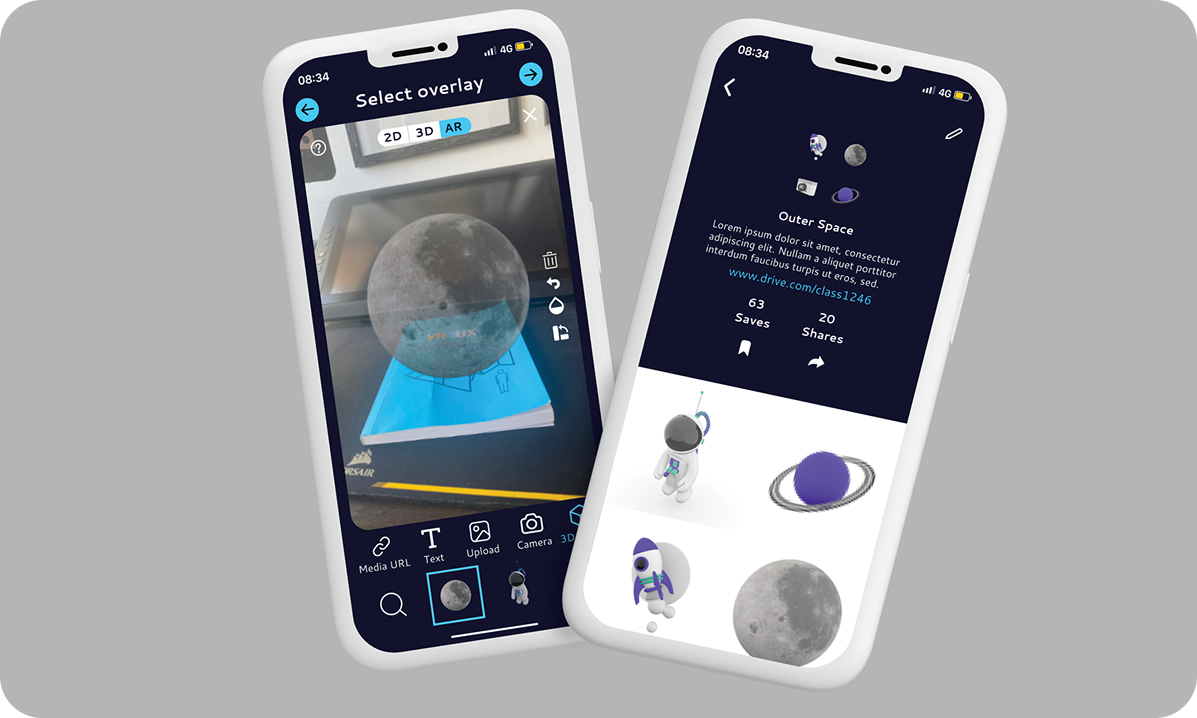
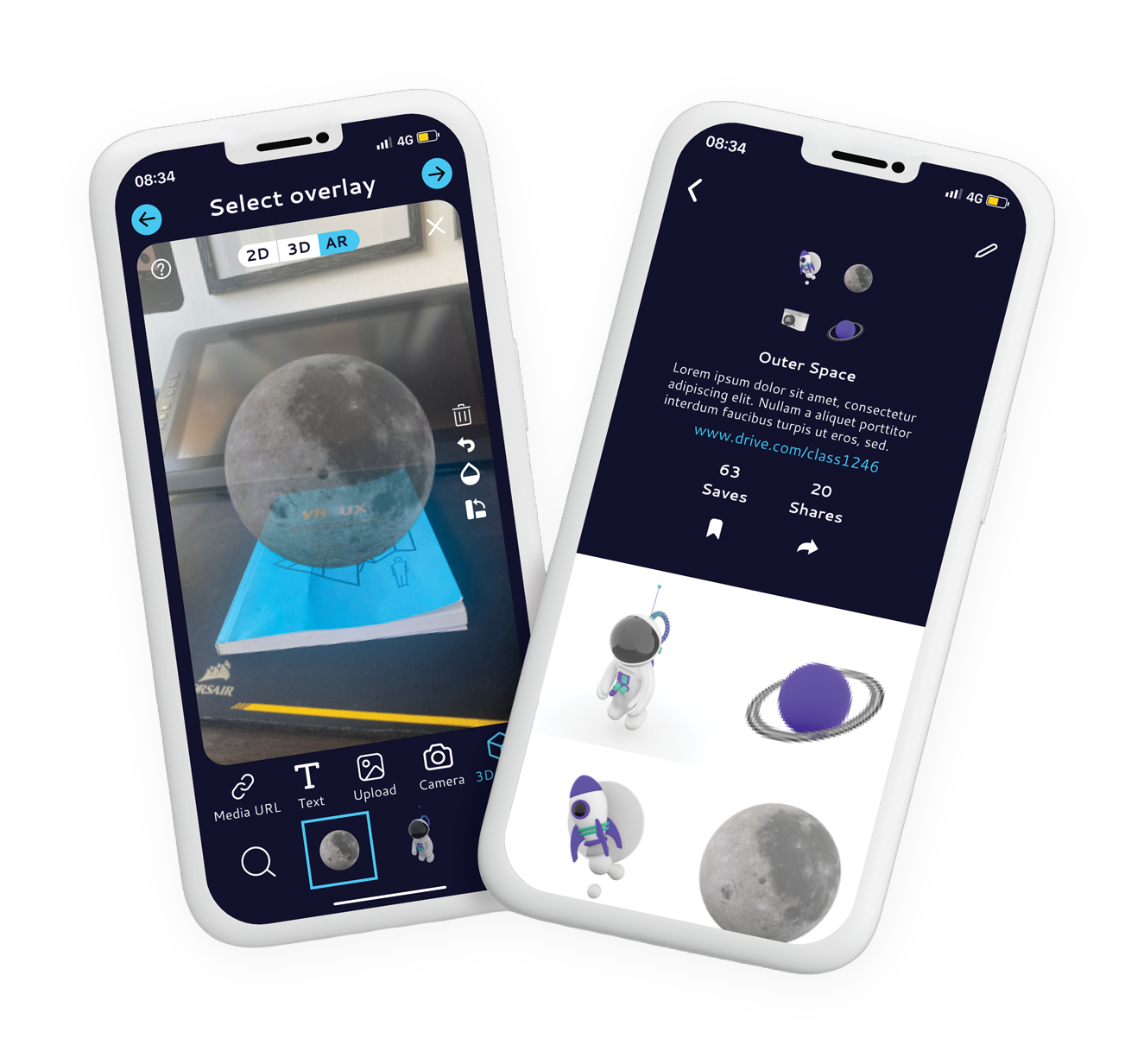
Halo AR by LightUp lets teachers overlay 3D models, video, and text onto real classroom objects, turning any surface into an interactive science lesson. I joined in 2021 as the UX designer, owning both the research and the interface. The brief was ambitious: take a powerful but solo AR tool and grow it into a social platform busy teachers would actually reach for. Every decision came back to one question, does this make the app easier to use mid-class.
Research
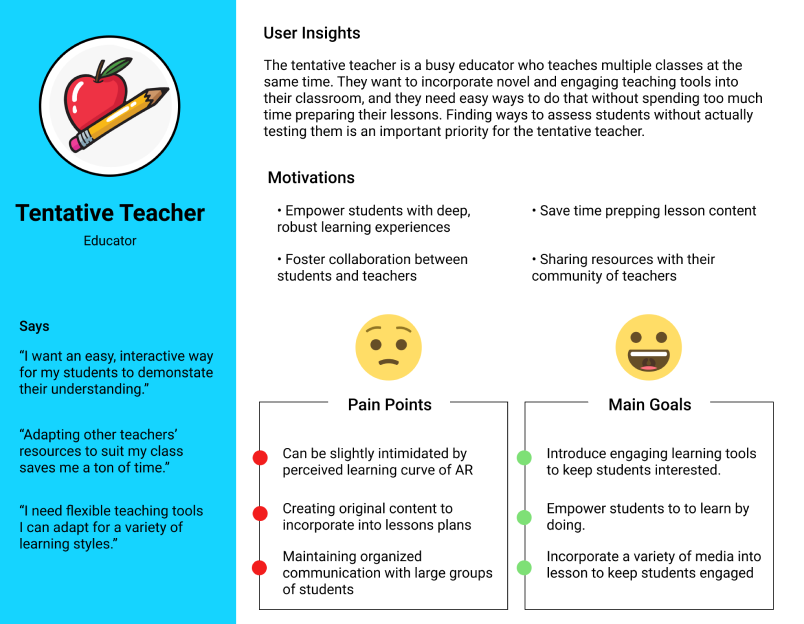
I interviewed teacher-users and compared how other social apps handle profiles and feeds, then checked those findings against product analytics. One primary user kept surfacing: the busy educator running several classes at once. I built the Tentative Teacher persona from those conversations so her goals, her doubts about the AR learning curve, and her lack of prep time stayed in front of every decision.
Wireframing the social layer
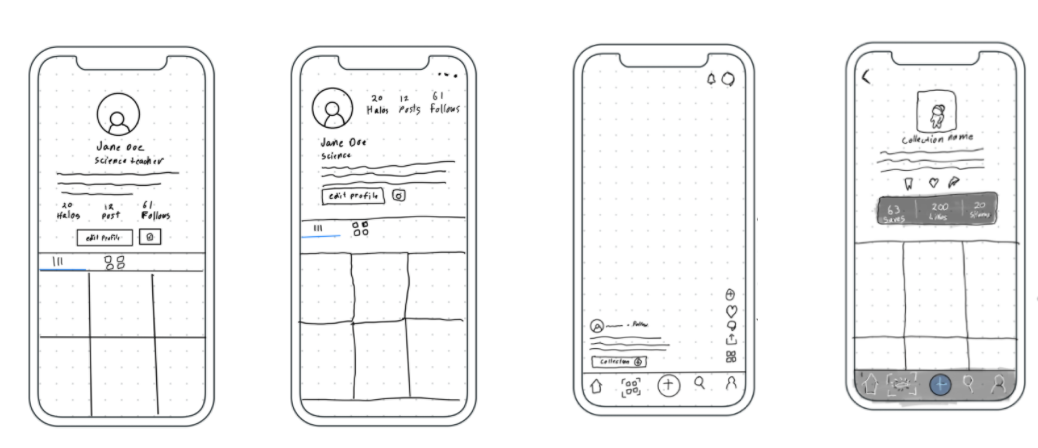
Halo AR started as an individual tool. To make it collaborative I sketched profiles, a video feed, and connections as low-fidelity wireframes first, testing the structure before any visuals. Mapping the screens this way exposed the real question early: how does a teacher share a lesson, and how does a student find it.
Design system
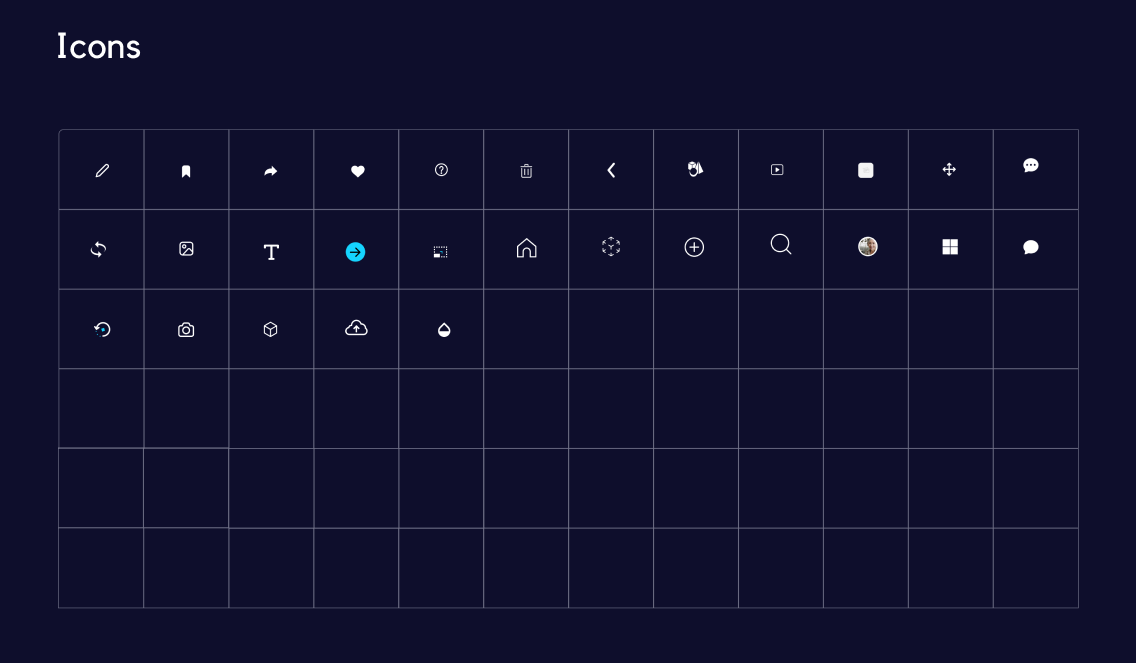
A consistent icon set and reusable components kept the interface calm and legible on small screens. Building the library upfront meant new screens could be assembled quickly and still feel like one product, which mattered on a fast-moving 2021 timeline.
Onboarding
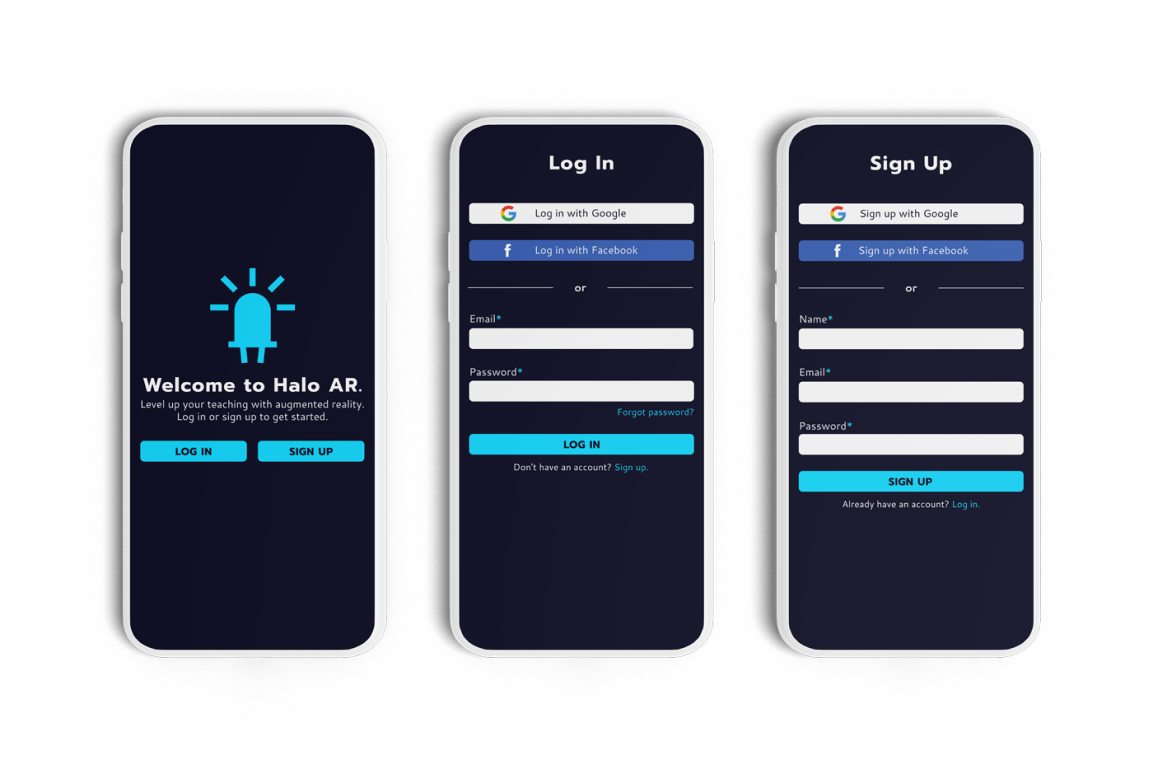
The login and sign-up screens set the tone, so they had to feel effortless. Google and Facebook sign-in remove friction and match habits teachers already have, while a warm welcome screen introduces Halo AR before asking for anything. First impressions here decide whether a busy teacher keeps going.
Video feed
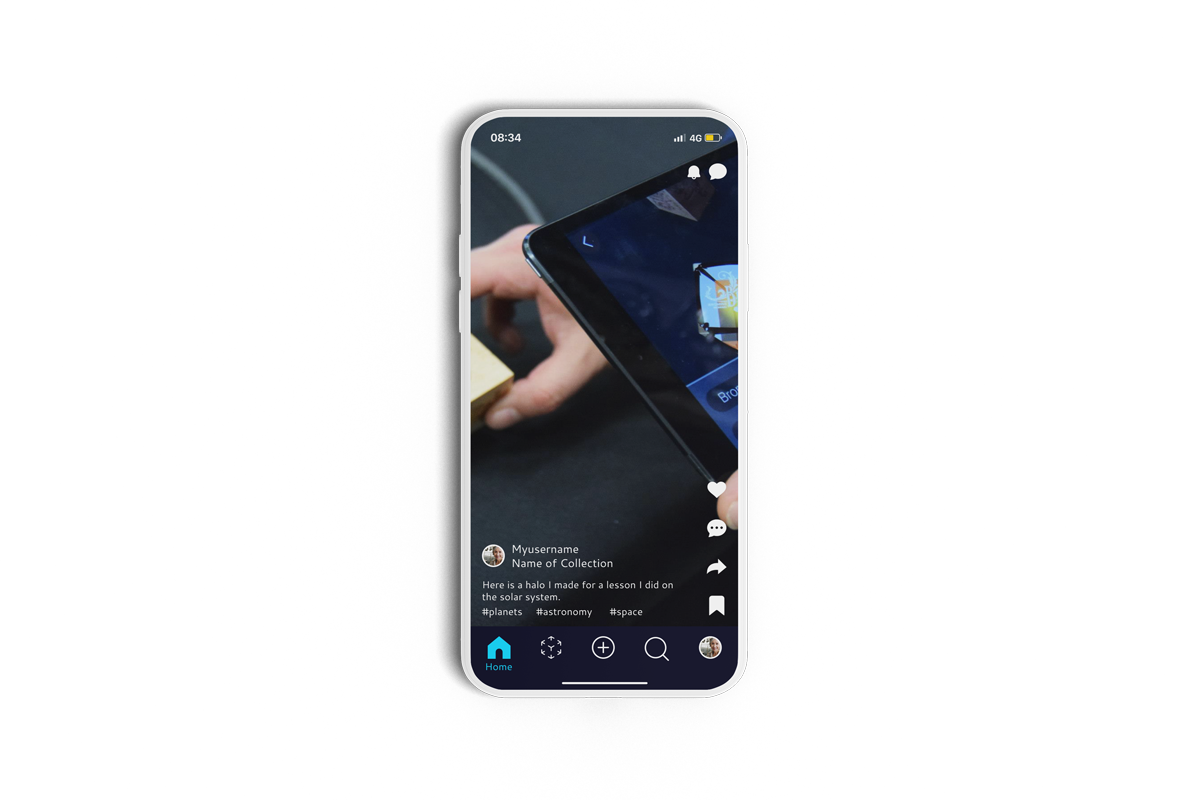
The feed is where the product becomes social. It surfaces the diverse halos teachers create, with likes, comments, and shares that turn one lesson into a resource the whole community can build on. A profile image, name, and short caption keep browsing fast for someone between classes.
Creating a Halo
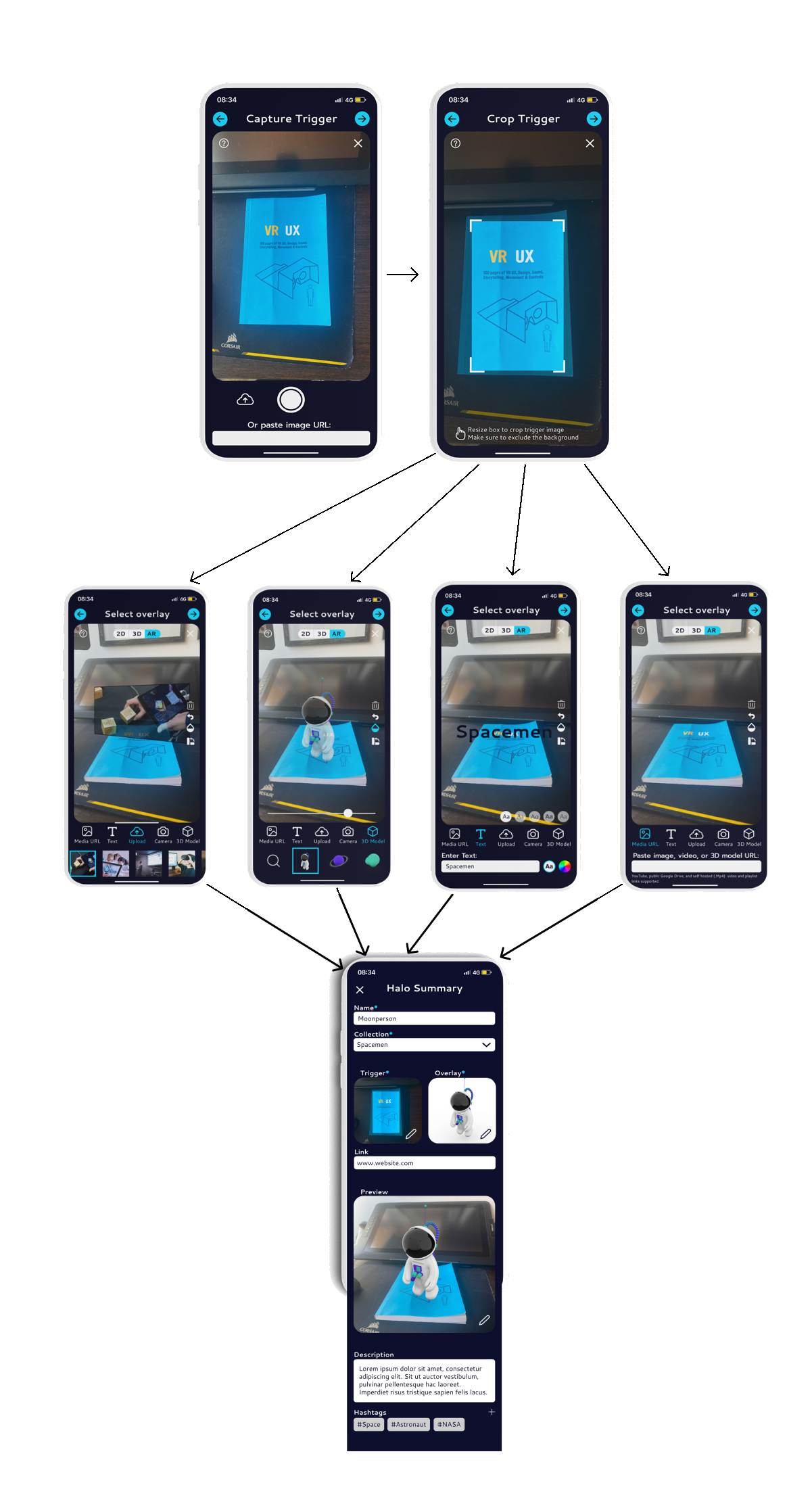
Creating a Halo is the core action, so I broke a complex process into clear steps: capture a trigger, crop it, layer media over it, then review a summary before publishing. Overlaying video, 3D models, and text onto real action triggers adds depth to a lesson without asking teachers to learn 3D tools.
Profiles
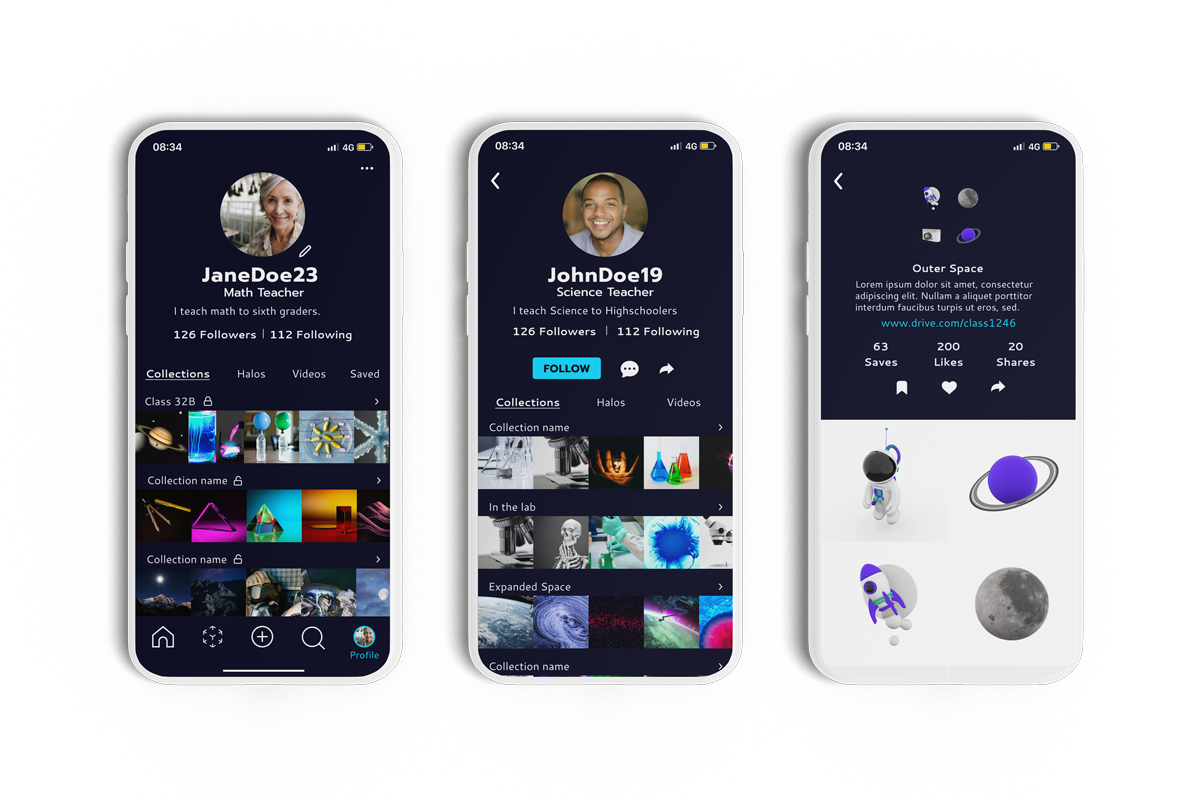
Teacher and student profiles organize halos into collections that are easy to revisit and reuse. Clear content management turns the app into a growing library rather than a one-off demo, supporting the collaborative learning loop and LightUp's move toward a paid model.